
Course description:
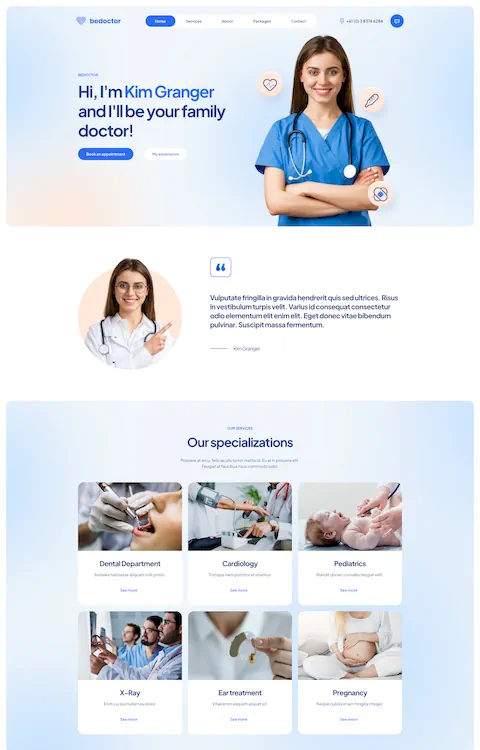
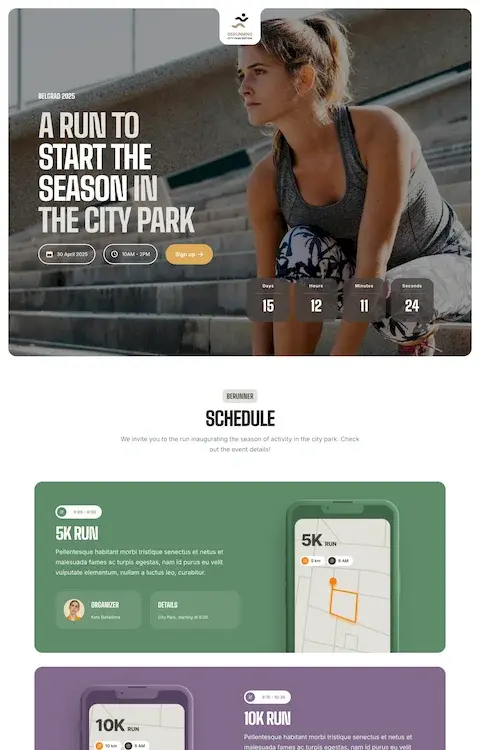
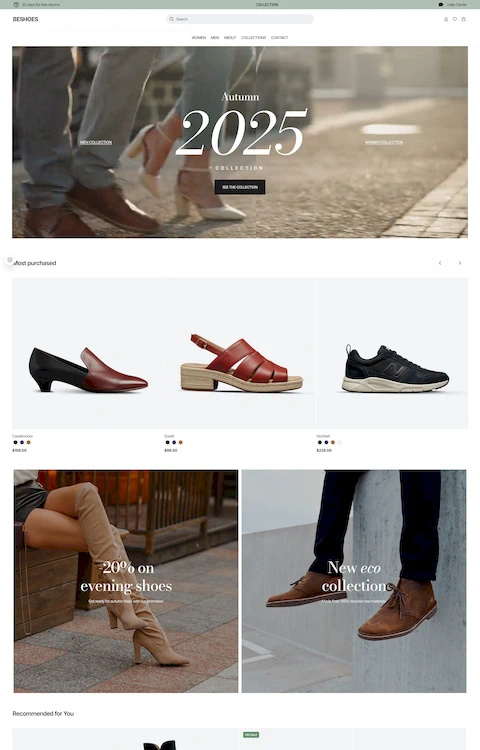
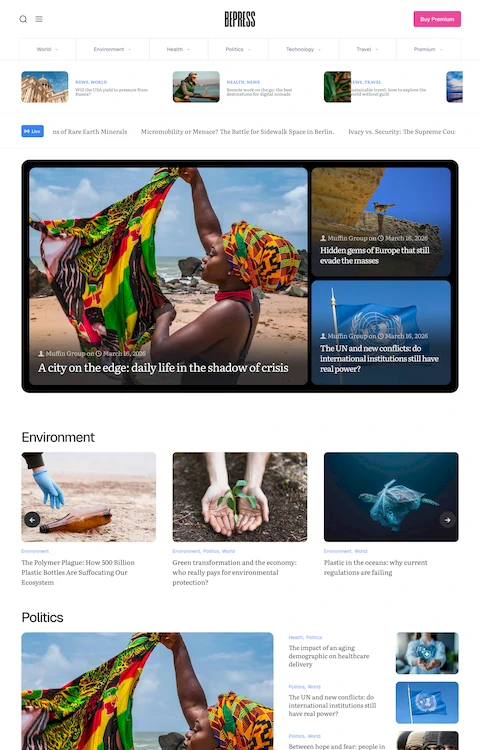
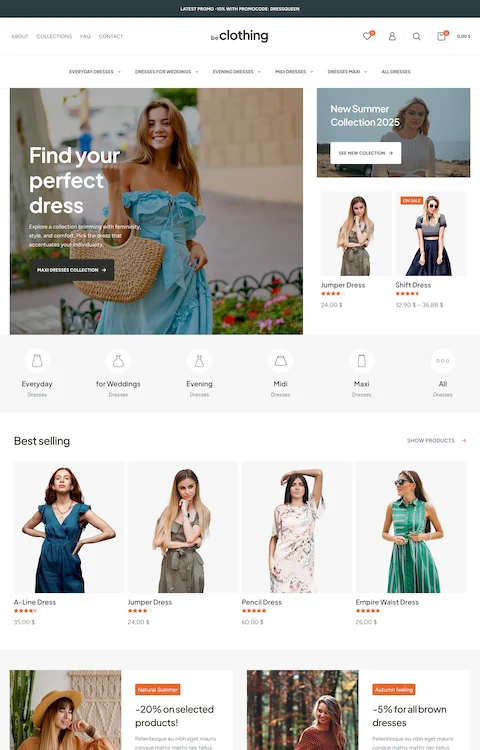
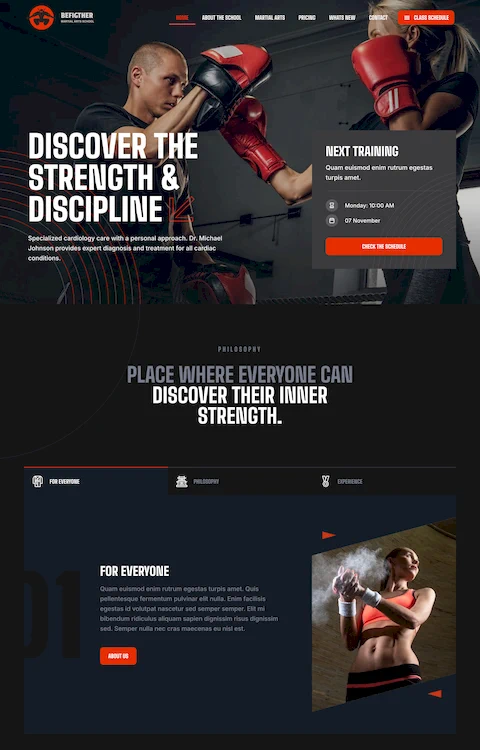
In this practical course, you’ll learn how to recreate a complete website using BeBuilder and Betheme, starting from a ready-made Figma project. No coding needed — just clear explanations and guided workflows.
You’ll start with preparing the design, then move through installation, configuration, and building each part of the site: from global settings and headers to the homepage, footer, and additional pages.
In this course, you'll learn how to:
- Set up and activate Betheme, and understand its core features
- Configure global styles using Theme Options (colors, typography, logos, etc.)
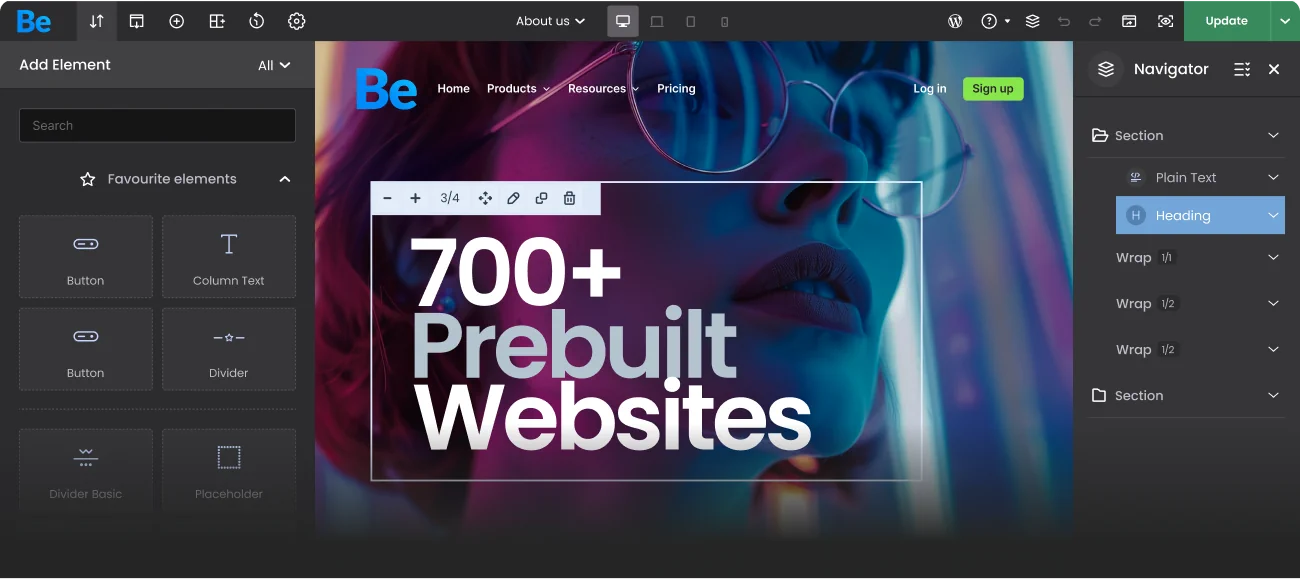
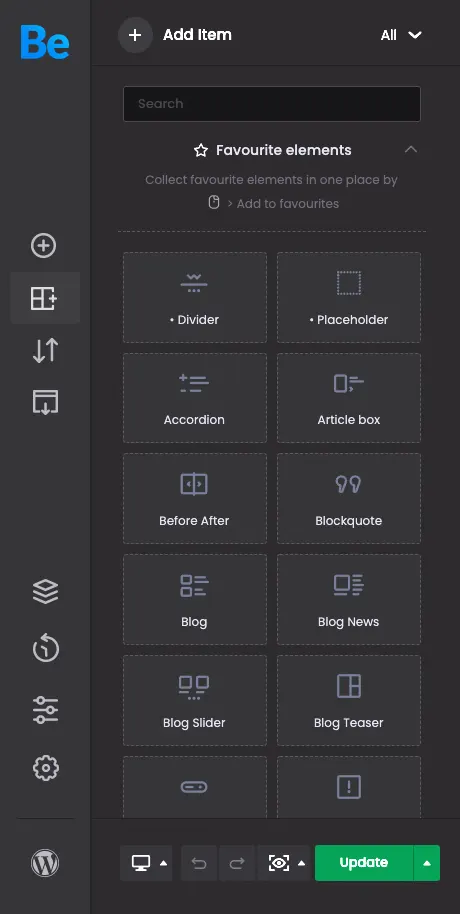
- Build every section of a website visually using BeBuilder
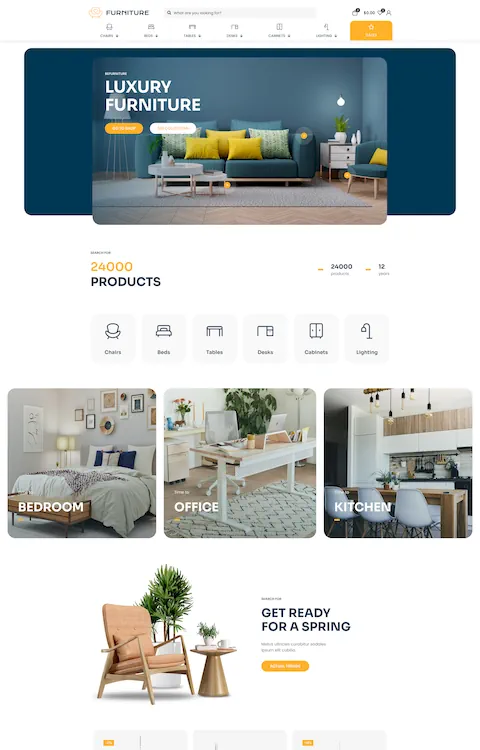
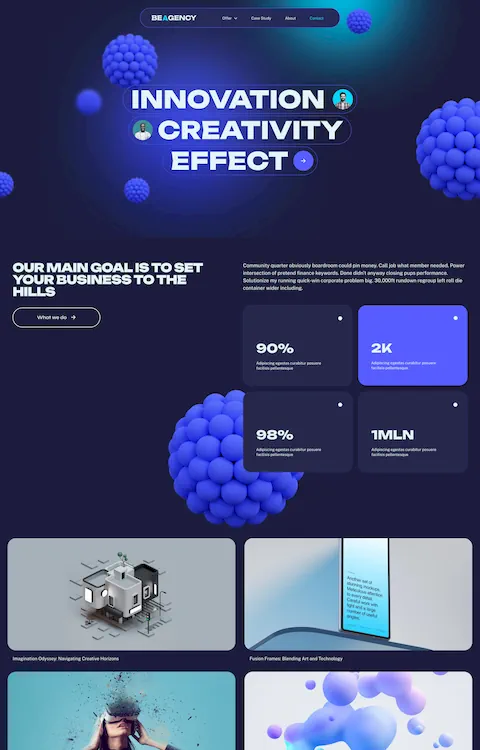
- Recreate real layouts from Figma with precision and responsiveness
Whether you're a beginner or just looking to speed up your workflow — this course will give you the confidence and skills to bring designs to life with WordPress and Betheme.
Related Videos:

Media Carousel: Create Stunning Sliders with Images & Video!
05:30

Betheme WebP Converter: Automatically Optimize Images for Faster Load Times
02:39

🚀 Full Yoast SEO compatibility inside BeBuilder IS HERE!
02:20

🚀 Want to make your WooCommerce checkout look and feel like Shopify — in just a few seconds?
02:46